Claude Code and Cursor Are Running Unsupervised in Your Repo
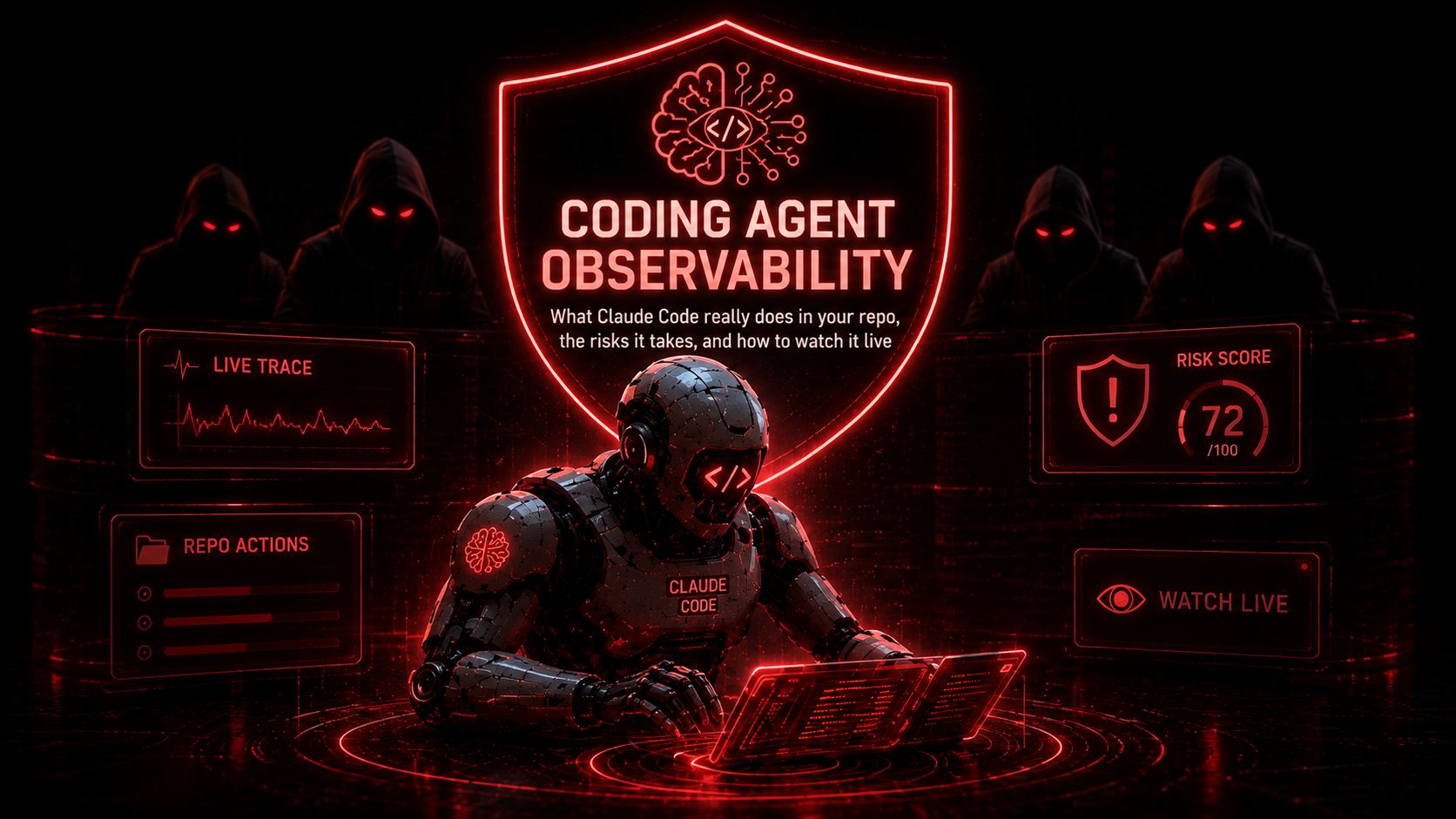
Coding Agent Observability: Watch and Screen Claude Code & Cursor Risks, Live
Coding agent observability is the practice of watching what an AI coding agent, like Claude Code, Cursor, or OpenAI Codex, actually does inside your repository, and screening every action it takes for risk in real time. These agents no longer just suggest code: they write files, run shell commands, install packages, and call the network with your permissions. You review the final diff, but the session itself, the hundreds of actions behind it, runs unwatched. This post explains the risks of AI coding agents, why the session is a blind spot, and how to screen it live with the open-source ProofAgent-Harness.
TL;DR. AI coding agents act on your behalf, but you only ever see the diff, not the shell commands, network calls, and data they touched to produce it. proof watch attaches to a live Claude Code or Cursor session, screens every action for leaked secrets, PII, dangerous commands, and unexpected network calls, and turns the session into a plain-language record of what the agent did. Register your agent on proofagent.ai, run one command, and watch it live. Free and open-source.
What Is Coding Agent Observability?
Coding agent observability is real-time monitoring and risk screening of what an autonomous AI coding agent does while it works in your codebase. Where traditional code review looks at the output (the pull request), coding agent observability looks at the process: every file written, every command run, every host contacted, and every secret or piece of data handled, as it happens. It answers a question code review cannot: what did the agent actually do to get here, and was any of it risky?
Why AI Coding Agents Are a New Security Risk
We have entered a new era of software development. Tools like Claude Code from Anthropic, Cursor, OpenAI Codex, GitHub Copilot's agent mode, and Windsurf run in a loop: they plan, edit a dozen files, run tests, fix what breaks, and reach for the shell and the network when they need to. An agent working this way inherits your filesystem, your shell, your network access, and whatever credentials sit in your environment.
Most of the time it does exactly what you asked. The danger is the moments it does not, because those moments look identical to success. A live API key exported into a command runs fine. A curl to an unfamiliar host returns 200. Customer data pasted into a test fixture passes the test. Nothing crashes and no error is thrown. Security researchers call the underlying pattern the lethal trifecta: an agent with access to private data, exposure to untrusted content, and the ability to reach the network. A coding agent has all three on an ordinary day.
The Blind Spot: You Review the Diff, Not the Session
When a coding session ends, you review the diff. You do not see the shell commands that ran, the hosts that were contacted, or the data that was pasted along the way. The session, which is where the risk actually enters, is invisible. AI coding agents have observability for what they produced and none for what they did. That gap is where leaked credentials, exfiltrated data, and un-audited incidents come from.
What ProofAgent-Harness Screens For
ProofAgent-Harness attaches to the coding agent working in your repository, Claude Code and Cursor natively, and any other tool (Codex, Copilot, Aider, Windsurf) through the git working tree. It screens every action for risk in real time and synthesizes the session into an intent trajectory: a plain-language record of what the agent set out to do at each step and where the risk appeared. It is observe-only. It watches and assesses; it never blocks or changes the agent.
These are the risks it flags in a live coding session, each with the evidence behind it:
| Risk flagged | What it catches |
|---|---|
| Leaked secrets | API keys, tokens, and credentials written into code or run in a command. |
| PII exposure | Real emails, SSNs, or card numbers the agent handles or pastes. |
| Dangerous commands | Destructive shell, reverse shells, and pipe-to-shell installs. |
| Unexpected network egress | Calls to hosts outside your allowlist, a classic data-exfiltration path. |
| Out-of-scope writes | Changes to files and paths the task never should have touched. |
| Insecure code | Injection-prone patterns, disabled TLS, and weak crypto shipped under pressure. |
A Real Example: Catching a Leaked Key in a Claude Code Session
Here is a real catch from watching our own Claude Code session. Asked to wire a Stripe webhook, the agent exported a live-format API key in a shell command and posted a payload to an unfamiliar host. The terminal it was typing into looked completely normal. The watch did not.
ProofAgent Harness - session (claude-code)
Risk         9.0/10  -  NOT_READY
Findings     1 critical - 1 medium

  ● CRITICAL  Secret detected - Stripe key      (export STRIPE_KEY=sk_l…Wx)
  ● MEDIUM    Un-allowlisted egress             (hooks.external-collector.io)
Two numbers summarize a session honestly. Peak risk is the worst thing that happened: one real leaked key puts it at 9.0/10, because one is one too many. Clean rate is how much of the session was fine. Together they separate a mostly clean session with one moment that mattered from a session that was risky throughout, and that one moment is exactly what you want a record of.
How to Watch Your Coding Agent in Three Steps
1. Register your coding agent and generate an API key. Sign in to the ProofAgent Governance platform, register your coding agent (give it a name, you will pass the same name to --agent), then open Settings → API Keys and generate a key.
2. Export the API key in the terminal where the coding agent runs.
export PROOFAGENT_API_KEY="pa_live_..."3. Install the harness and start watching. One command attaches to the live coding session and streams it to your dashboard.
pip install -U proofagent-harness

proof watch --agent "my-claude" \
    --screen-every 30 \      # risk screening cadence, seconds (0 tokens)
    --interval 300 \         # harness synthesis cadence, seconds
    --escalate-on high \     # severity that triggers the deep assessment
    --llm gpt-4.1-mini       # harness LLM for the synthesis
Open your agent on the dashboard and the intent trajectory fills in as the session runs, with each flagged risk attached to the action that caused it. Prefer to keep everything on your machine? Add --no-upload and the same screening and trajectory stream to your terminal instead. To assess a session that already finished, proof session --tool auto --narrate replays a completed Claude Code transcript, or any tool's git diff, through the same risk screen.
Frequently Asked Questions
What is coding agent observability?
Coding agent observability is real-time monitoring and risk screening of what an AI coding agent does inside your codebase, every file written, command run, and network call, as opposed to only reviewing the final code it produces.
What are the security risks of AI coding agents like Claude Code and Cursor?
Because they run with your permissions, coding agents can leak secrets into code or logs, expose PII, run dangerous shell commands, make unexpected network calls that exfiltrate data, or write outside the intended scope, all without throwing an error.
How do I monitor what an AI coding agent is doing?
Run proof watch from ProofAgent-Harness. It attaches to the live session, screens every action for risk, and builds a plain-language trajectory of what the agent did. It is observe-only and never blocks the agent.
Does it work with Claude Code, Cursor, and OpenAI Codex?
Yes. Claude Code and Cursor are supported natively; any other coding tool, including Codex, GitHub Copilot, Aider, and Windsurf, is covered through the workspace git diff.
Is ProofAgent-Harness free and open-source?
Yes. The harness is open-source under Apache 2.0 and installs from PyPI with pip install proofagent-harness. It runs locally and works with any LLM you bring.
Can I run it locally without sending data to the cloud?
Yes. Without --upload, screening and the trajectory stream to your terminal and nothing leaves your machine. Secrets and emails are redacted before anything is sent even when you do upload.
How is this different from code review or a SAST scanner?
Code review and SAST inspect the finished code. Coding agent observability inspects the live session, the commands, network calls, and data the agent touched to produce that code, which static analysis of the diff never sees.
References
- Anthropic, Claude Code and Best Practices for Agentic Coding (2025).
- Coding agents referenced: Claude Code, Cursor, OpenAI Codex, GitHub Copilot, Windsurf, and Aider.
- Simon Willison, The Lethal Trifecta for AI Agents (2025).
- OWASP, Top 10 for LLM Applications.
- Bousetouane, Human-on-the-Bridge: Scalable Evaluation for AI Agents (2026).
- ProofAgent-Harness: docs · PyPI · GitHub.